Photo Refresh
For a tidy listing that needs better light.
$89
- Up to 15 enhanced photos
- First 3 photos optimized
I enhance Airbnb listing photos. Better light, true color, straight lines and tidy surfaces, with the room exactly as it is.
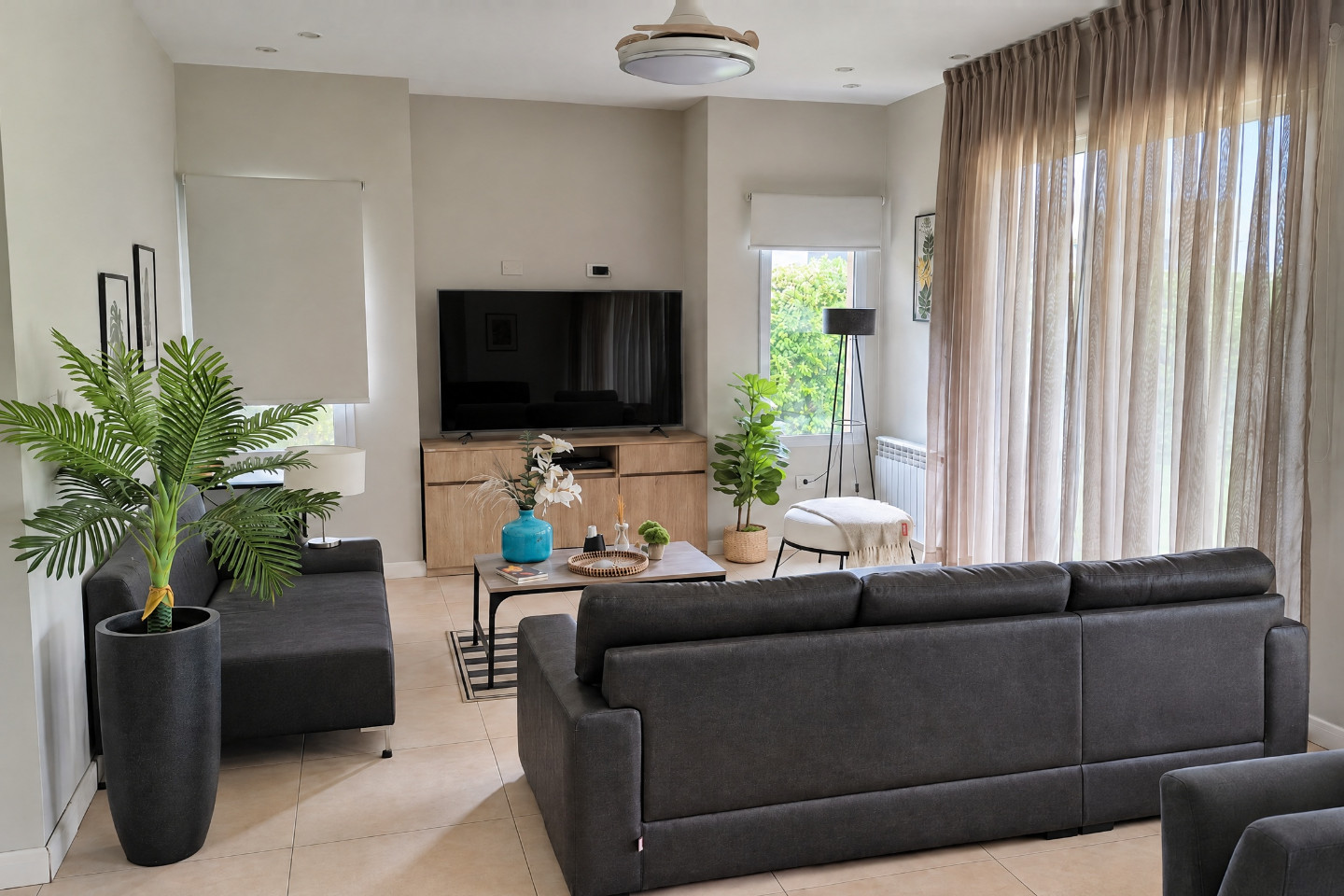
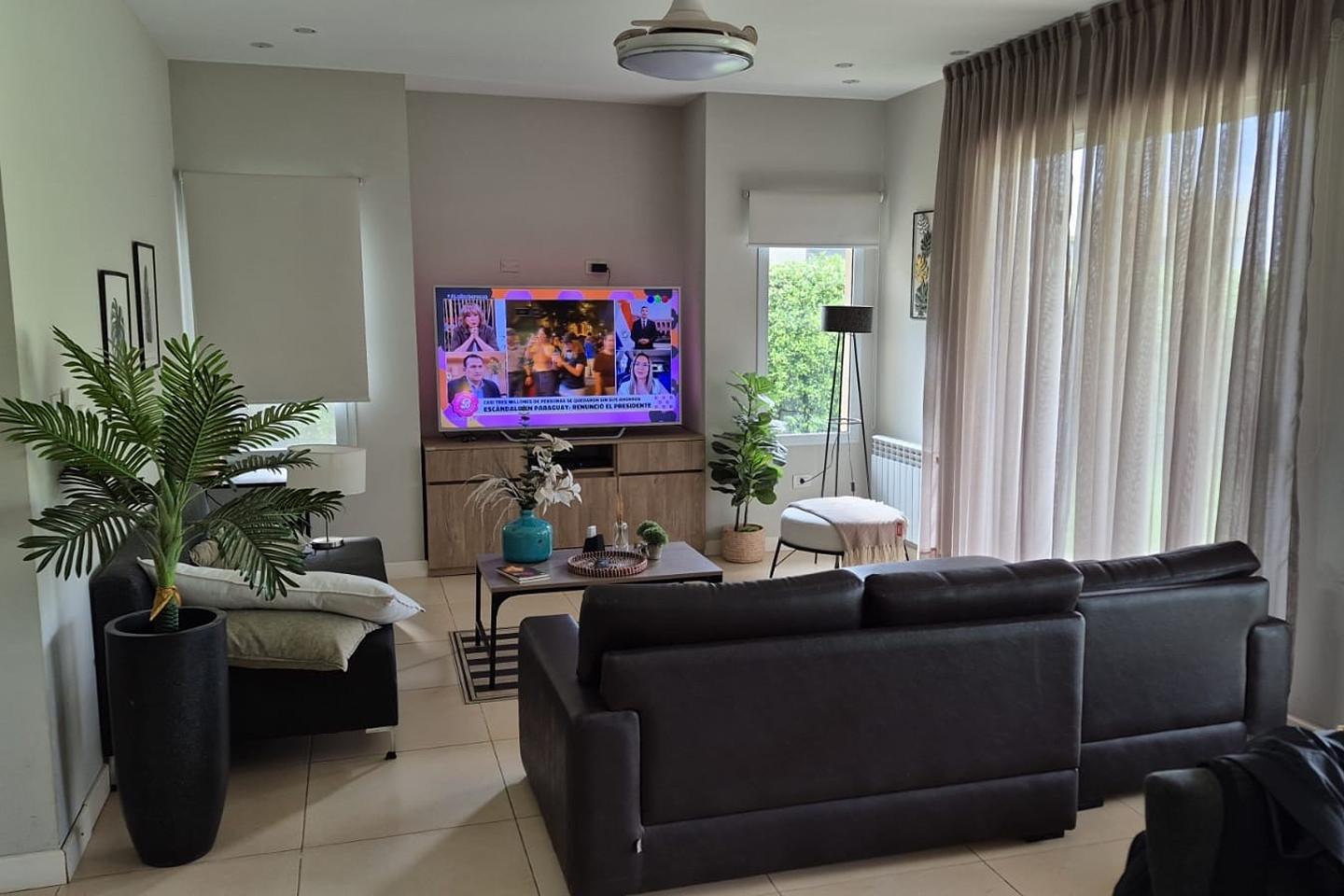
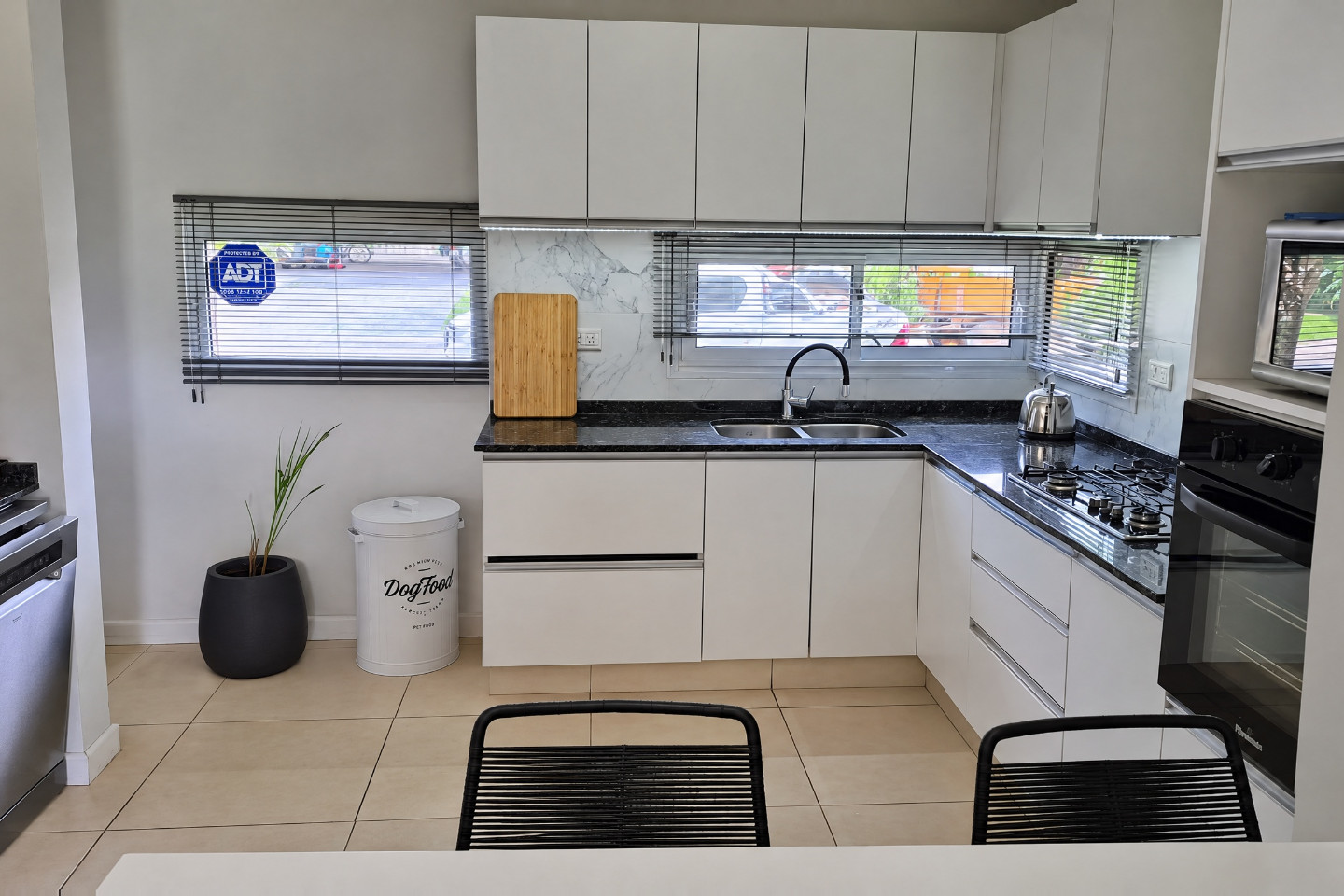
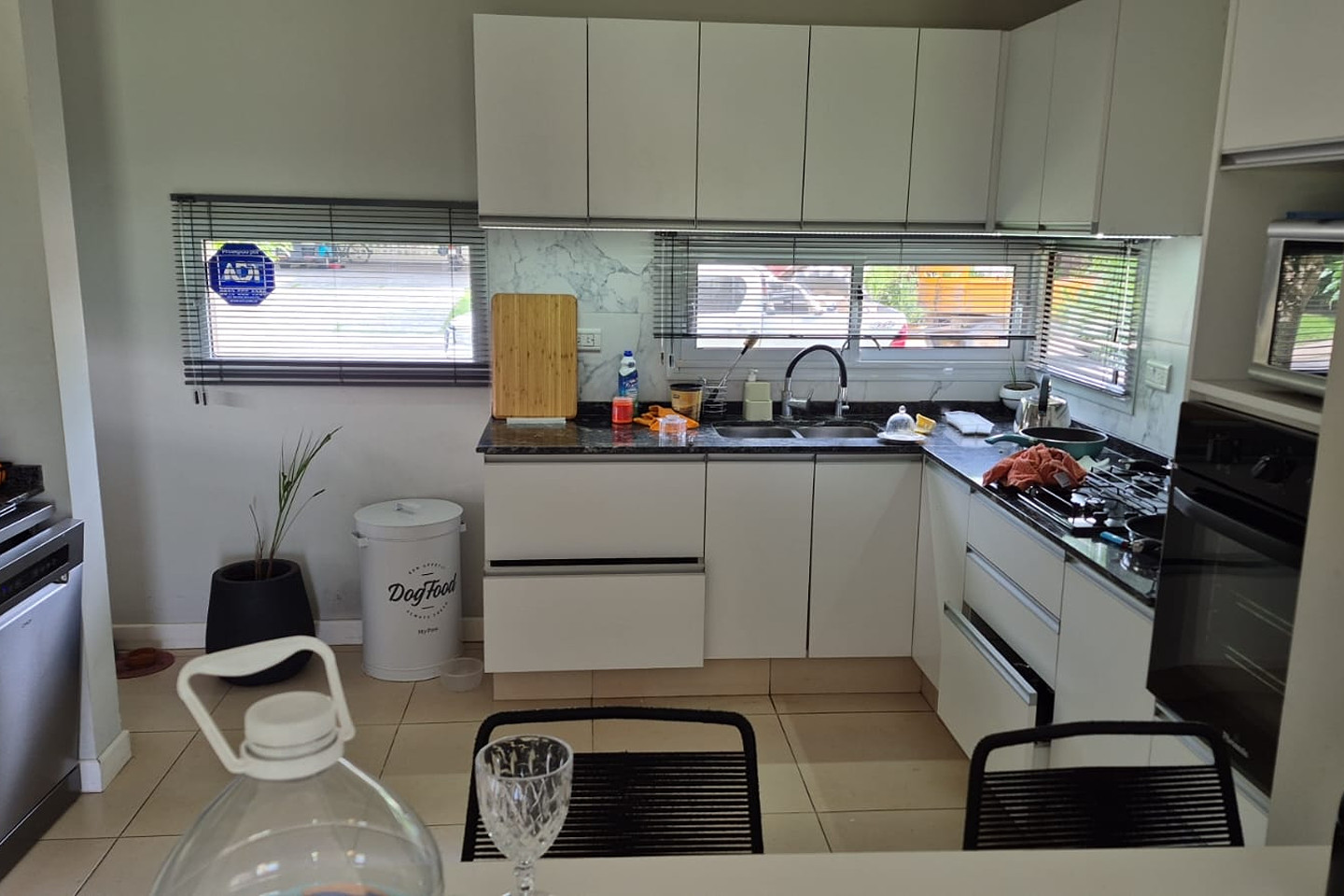
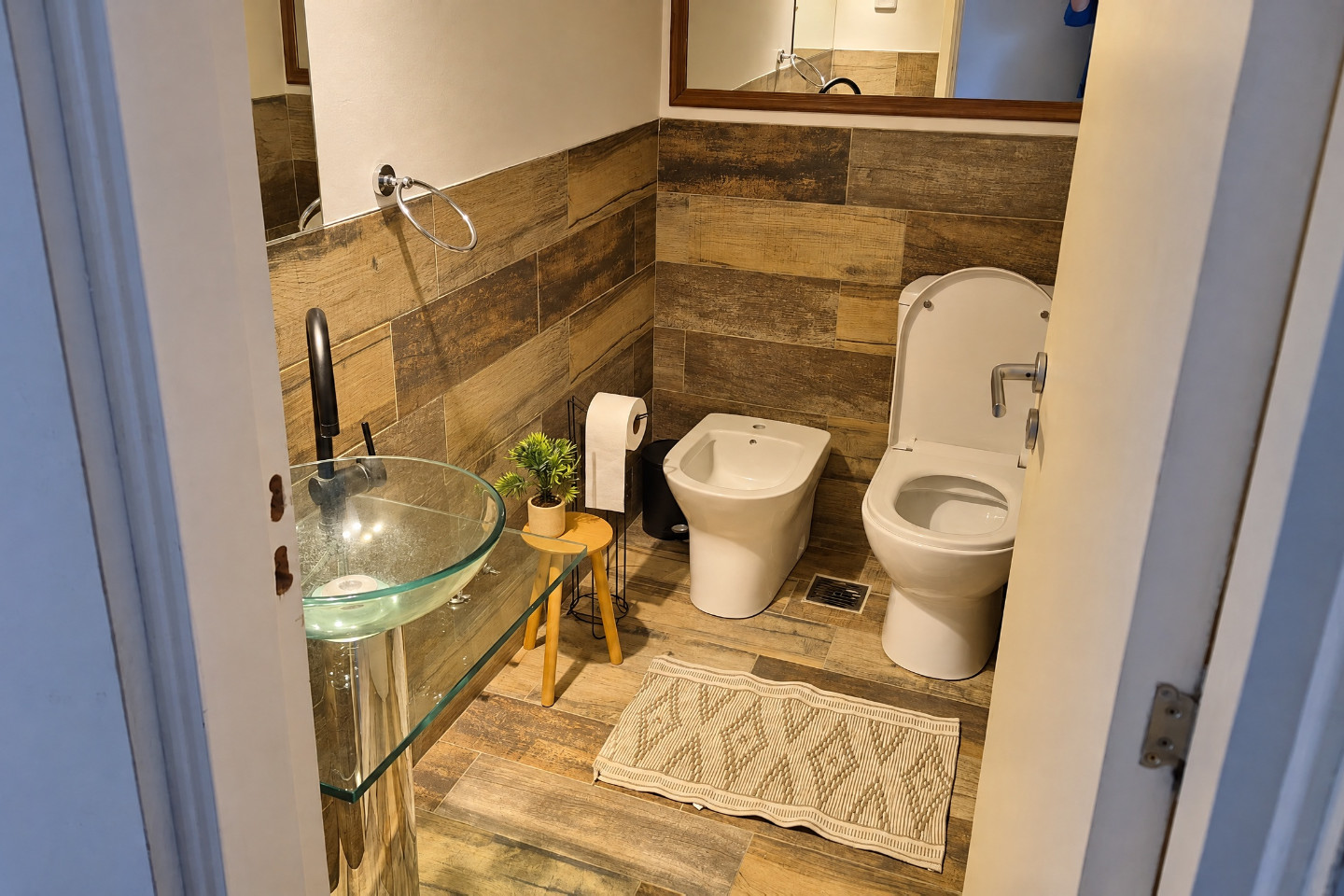
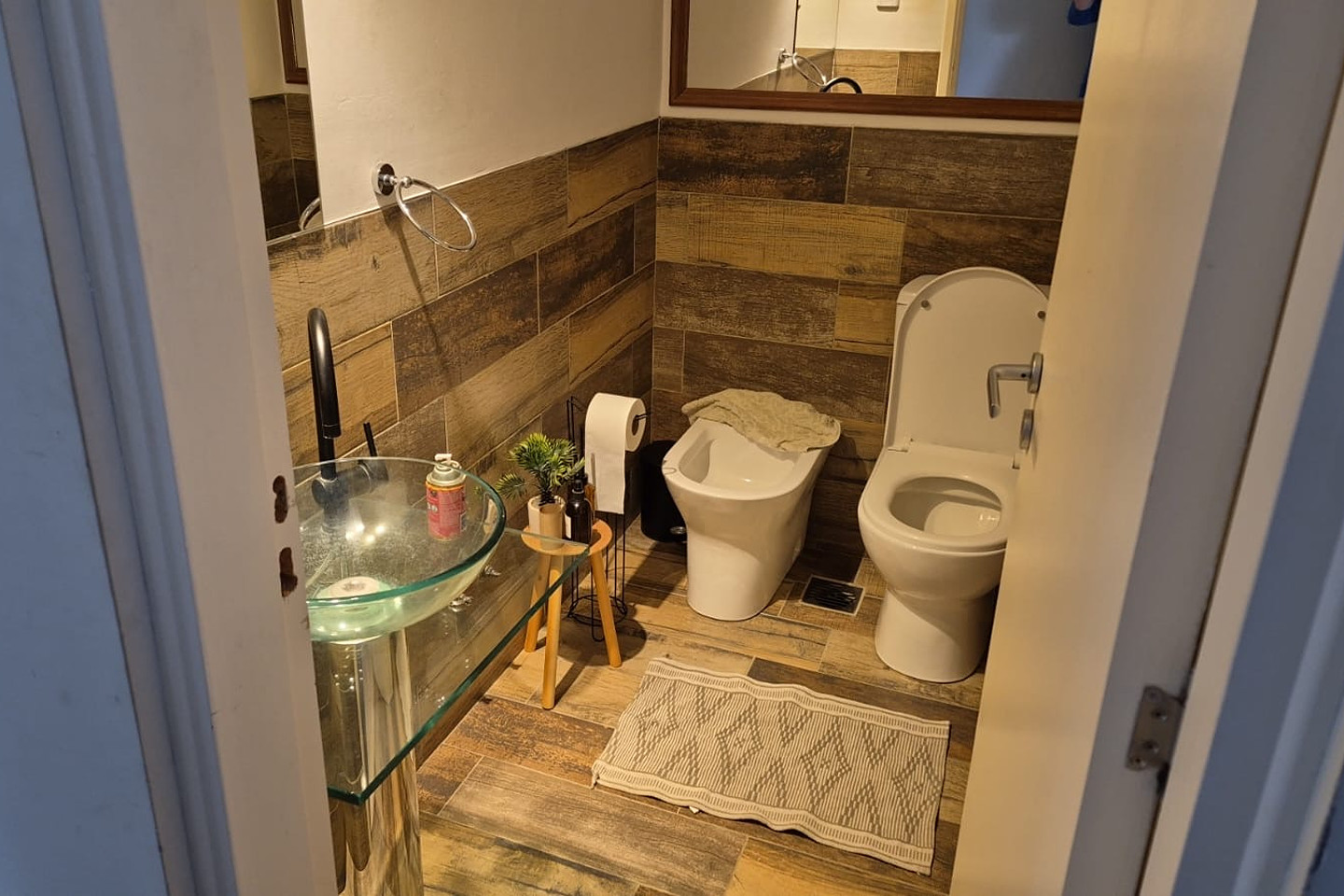
Search results show your photos as a small card. Swipe through the three rooms and switch between before and after to see what a guest sees.
Example listing, not a real property.
Pack price ÷ nightly rate, rounded up. This is arithmetic, not a promise of bookings.
Every pack includes the same enhancement: light, color, perspective and cleanup.
| Photo Refresh$89 | Most popularListing Glow Up$169 | Full Tour$279 | |
|---|---|---|---|
| Enhanced photos | Up to 15 | Up to 30 | Up to 30 |
| Optimized photos | First 3 | First 5 | First 5 |
| Photo captions | Not included | Included | Included |
| Video tour | Not included | Not included | Included |
For a tidy listing that needs better light.
$89
For a listing that has to stand out in search.
$169
The whole property, in motion.
$279
Share the photos you already have, straight from your phone or camera. No new shoot needed.
Light, color, perspective and cleanup, photo by photo.
Compare each before and after and ask for the changes you want.
Upload the new photos to your listing, ready to use.
Guests should get what they see. Every edit has to pass one test: would a guest notice the difference when they arrive?
No. Edits stay with light, color, straight lines and cleanup, so the result looks like a well-shot version of your own photo, not a render.
Never. I don’t add furniture, amenities or views, and I don’t hide damage or wear. A guest should find the place as the photos show it.
The originals, at full resolution and, if you can, taken in daylight. Phone photos work.
Guests see your first photos in search results before they open the listing. Those get extra attention, one by one: the first 3 in Photo Refresh and the first 5 in Listing Glow Up and Full Tour.
No. Better photos help a listing present well, but bookings also depend on price, location, reviews and season. I don’t promise numbers.
Pick a pack and add your listing link. I’ll write the message for you.